August 16, 2026
How one Kubernetes misconfiguration hands over your whole cluster
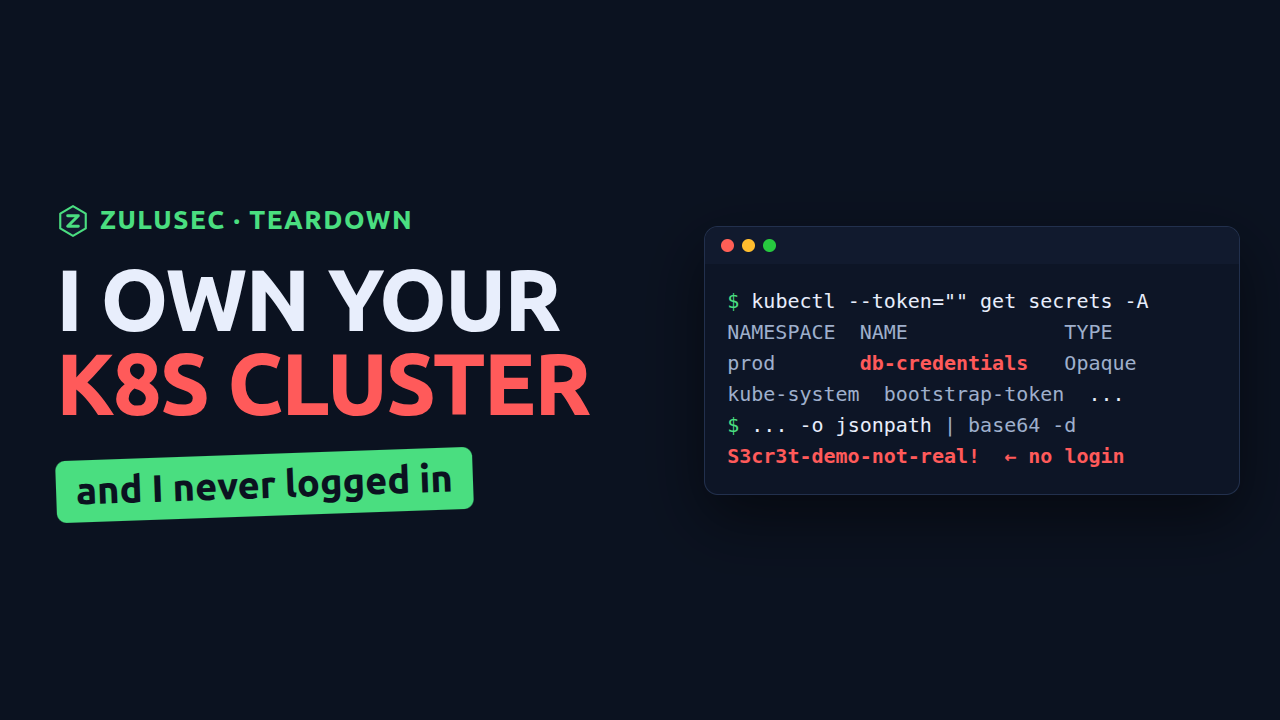
Kubernetes controls access in two steps that are easy to confuse. First it decides who you are (authentication). Then it decides what you are allowed to do (authorization, through RBAC). The dangerous mistakes happen when those two get pointed at the wrong subject, and the worst version of that is pointing real power at the identity Kubernetes uses for requests that carry no credentials at all: system:anonymous.
Here is what that mistake actually allows, how to fix it, and one command you can run against your own cluster to see where it stands. Everything below was done on a local throwaway cluster.
The misconfiguration
Every request to the Kubernetes API that arrives without valid credentials is treated as the user system:anonymous. On a healthy cluster that user can do almost nothing. The problem is a binding like this, which people add to make a dashboard, a health check, or a CI job "just work":
apiVersion: rbac.authorization.k8s.io/v1
kind: ClusterRoleBinding
metadata:
  name: anonymous-admin
roleRef:
  apiGroup: rbac.authorization.k8s.io
  kind: ClusterRole
  name: cluster-admin
subjects:
  - kind: User
    apiGroup: rbac.authorization.k8s.io
    name: system:anonymous
That binding says: anyone with no credentials has full administrative control of the cluster. The same effect comes from an API server exposed to the internet with anonymous auth enabled, or an open Kubernetes dashboard.
Taking over with no credentials
An attacker does not need to log in. They need to reach the API server, whose address is not secret, and send requests carrying no credentials at all so Kubernetes treats them as anonymous.
Use curl and not kubectl for this, and the reason matters. kubectl reads your kubeconfig and presents whatever it finds there, a client certificate or an exec credential plugin, and --token="" does not clear either one. Run the kubectl version from a machine that already has cluster access and it answers as you, not as anonymous, and tells you nothing. curl with no client certificate carries no credential, so the API server resolves the request to system:anonymous and you see exactly what an outsider sees.
APISERVER=https://your-api-server:6443

# read every secret in every namespace, unauthenticated. No client cert, no
# token, no kubeconfig: this request carries nothing that identifies you.
curl -sk $APISERVER/api/v1/secrets \
  | jq -r '.items[] | "\(.metadata.namespace)  \(.metadata.name)"'

# pull the production database password out of one
curl -sk $APISERVER/api/v1/namespaces/prod/secrets/db-credentials \
  | jq -r '.data.password' | base64 -d
Reading secrets is the tame part. cluster-admin also means running your own workload inside the cluster:
curl -sk -X POST $APISERVER/api/v1/namespaces/default/pods \
  -H 'Content-Type: application/json' \
  -d '{"metadata":{"name":"pwned"},"spec":{"containers":[{"name":"c","image":"alpine","command":["sleep","3600"]}]}}'
From a pod inside the cluster, the path continues to node access, cloud credentials, and the rest of the environment. Full takeover, no authentication.
The fix
1. Remove the dangerous binding
kubectl delete clusterrolebinding anonymous-admin
Anonymous requests immediately go back to being powerless.
2. Do not expose the API server
The control plane should not be reachable from the whole internet. Put it behind a private endpoint, or lock it to authorized networks. EKS, GKE, and AKS all support this.
3. Enforce least-privilege RBAC
No subject should hold cluster-admin unless it truly needs it. Audit your bindings and look specifically for system:anonymous, system:unauthenticated, and wildcard subjects.
4. Close the anonymous door
Ensure --anonymous-auth=false on the API server where you control it, and never expose the Kubernetes dashboard publicly.
Check your own cluster in one command
{ kubectl get clusterrolebindings -o json
  kubectl get rolebindings --all-namespaces -o json
} | jq -r '
  .items[]
  | select(any(.subjects[]?; .name == "system:anonymous" or .name == "system:unauthenticated"))
  | "\(.kind) \(.metadata.namespace // "cluster-wide") \(.metadata.name) grants \(.roleRef.kind)/\(.roleRef.name)"'
Namespaced RoleBinding objects are in there too, because a binding that only hands anonymous requests one namespace is still a binding that hands anonymous requests a namespace.
Now the part most versions of this check get wrong: a healthy cluster is not silent. It prints exactly one line.
ClusterRoleBinding cluster-wide system:public-info-viewer grants ClusterRole/system:public-info-viewer
That binding ships with Kubernetes. The role behind it grants get on /healthz, /livez, /readyz and /version, and nothing else, which is why kubectl version answers on a cluster you have no account on. Seeing that line means the check ran. It does not mean anything is wrong.
Every other line does. Read the last column and not the binding name, because the role is the blast radius: ClusterRole/cluster-admin is the entire cluster, ClusterRole/admin in a RoleBinding is one namespace, and a role you do not recognise is worth reading before you judge it.
kubectl describe clusterrole <name>
Anything past system:public-info-viewer is worth fixing today.
The uncomfortable part
Cluster exposure and over-broad RBAC are quiet problems. Nothing breaks, nothing alerts, right up until someone finds the open door. Reviewing how your cluster is reached and what each identity can do is part of every ZuluSec audit, cloud, on-prem, or Kubernetes. If you would rather have yours checked, the scope is agreed up front: book a security audit.
Want these found for you?
An audit turns up leaked keys, public data, and the paths between them, with a prioritized report you can act on immediately and the scope agreed before it starts.
See how the audit works